Your Vault is your private media library. Everything you post or send starts here, and nothing in it is visible to anyone until you choose to use it.
Getting set up
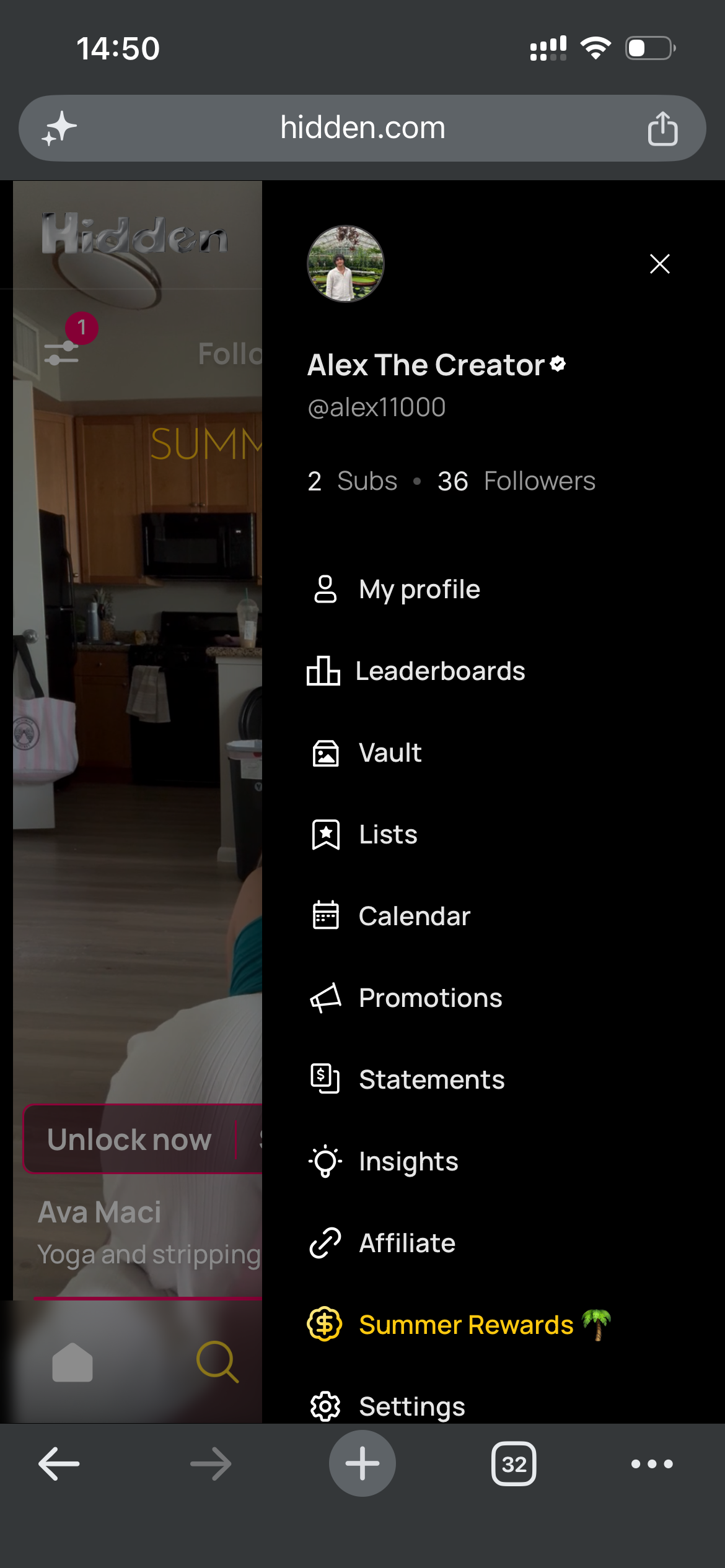
1. Find your Vault
Open the side menu and tap Vault.
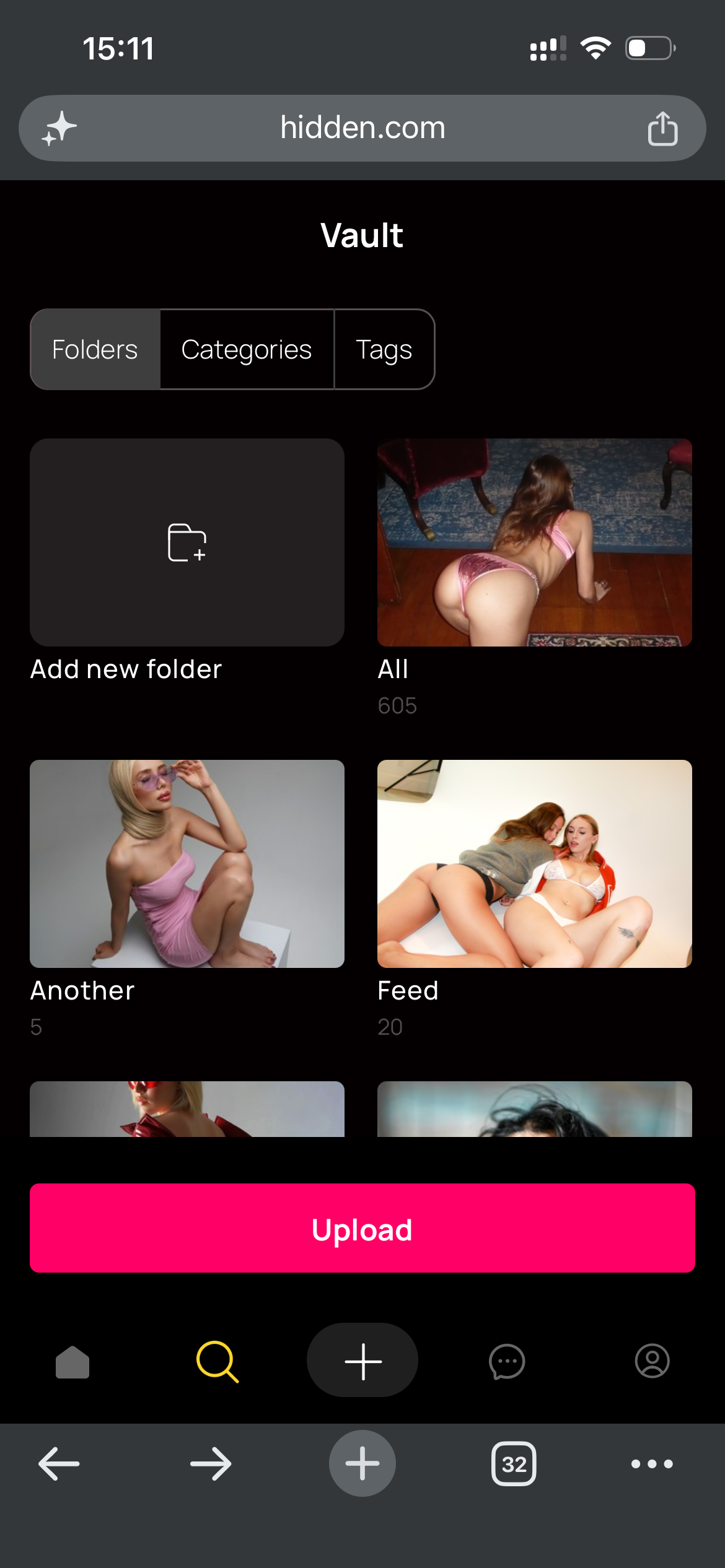
2. Upload files and create folders
Tap Upload to add photos and videos. Tap Add new folder to create somewhere to put them.
You can also upload straight into a folder by opening it first and uploading from there.
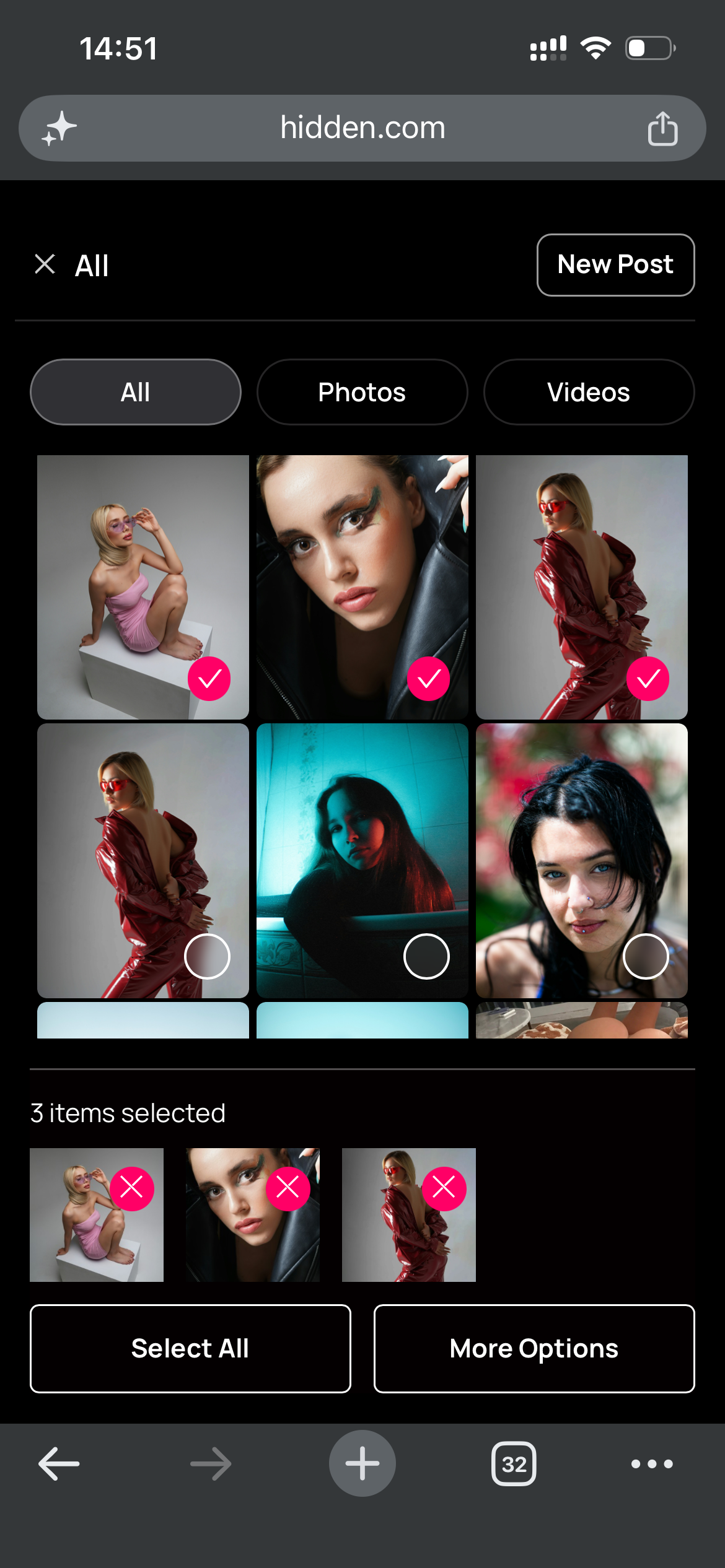
3. Move files into a folder
Tap Select, then tap the files you want to move.


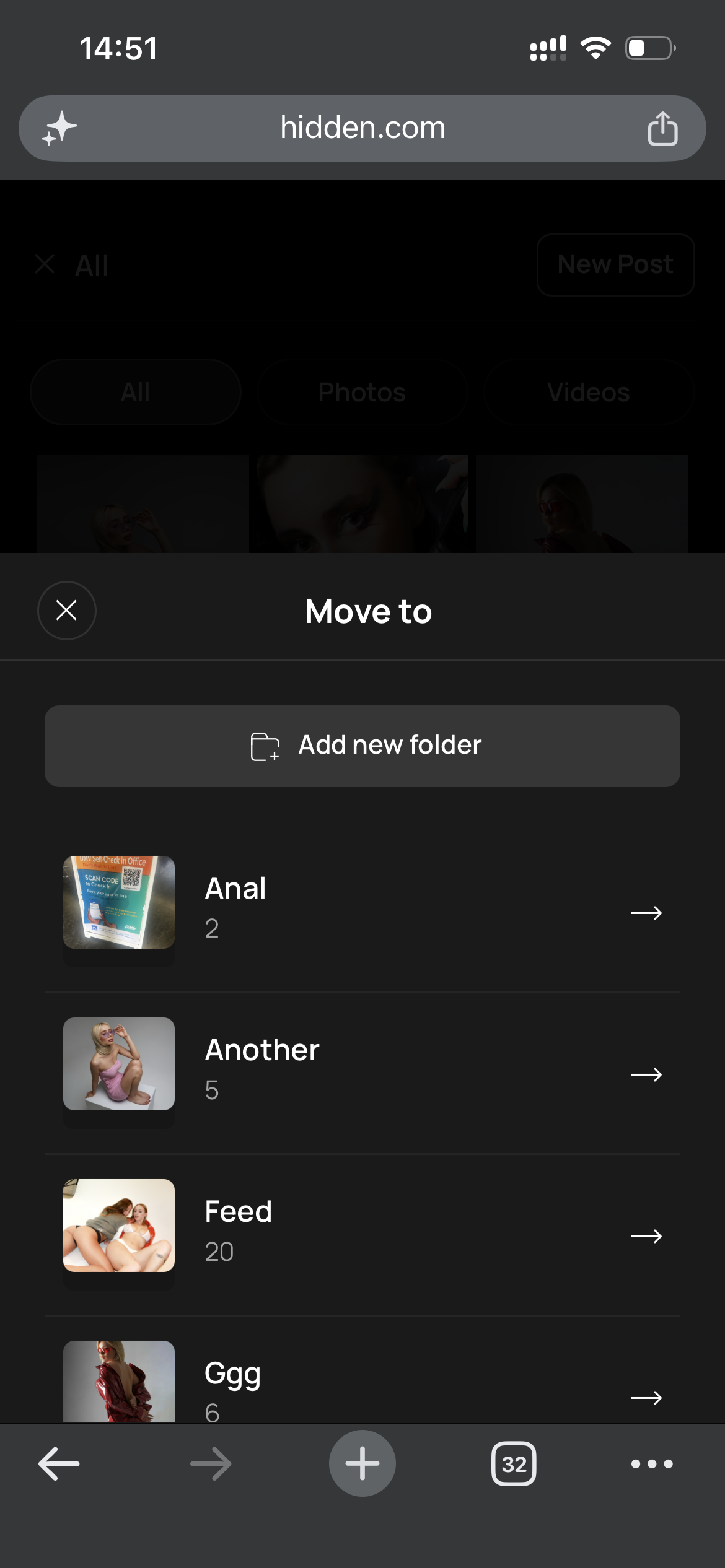
Tap More options, then Move to.

Choose the folder you want them in.
Open the folder to confirm they landed there.

Why it is worth organising
Everything downstream gets faster: posting, messaging, and selling to a fan mid-conversation. The difference between a sorted Vault and a pile of uploads shows up most when you are trying to find one specific video while someone is waiting.
Folders by shoot, by content type, or by the kind of post they are destined for all work. A folder of your best-converting content, ready to send, is worth keeping separately.
Common questions
+Can fans see what is in my Vault?
No. It is entirely private until you post or send something.
+Can I move several files at once?
Yes. Select as many as you like, then More options and Move to.
+Can a file be in more than one folder?
Not currently. A file can move from All into one other folder.
+Can I upload straight into a folder?
Yes. Open the folder first, then upload from there.
+Does posting or sending remove a file?
No. It stays in your Vault, and deleting a post or a scheduled message does not touch it.
+What happens to files I send from my phone?
Anything you attach from your device is saved to your Vault automatically, so you can reuse it later.
Related
Something missing from your Vault? Contact support.
0 of 0 found this helpful
Tips for Creators: how do I grow on Hidden?
Can I promote my Hidden account on social media?
Tags & Categories
Creator Profile Page
Posting
Didn't answer your question?
Open a ticket and include the specifics. Get support.